Curious Refuge's greybox test using Seedance 2.5 reports prop drift
A Curious Refuge tutorial, dated 22 September 2026 (UTC) in its feed metadata, pairs greybox live-action capture with Seedance 2.5 and reports…
AI filmmaking education company Curious Refuge has published a tutorial describing a hybrid workflow. The post is dated 22 September 2026 (UTC) in the source's feed metadata. Actors are shot in a plain grey box, the first frame is restyled with an AI image model, and Seedance 2.5 generates the final shot using either the original footage or a depth map as the motion reference. Across the four scenes it describes, the team reports that the original action stayed broadly recognisable. It also reports that a swapped prop reverted in one generation, a wardrobe hat was dropped, and the actor's movement varied between generations. These are the team's own observations from a tutorial, and the sources reviewed for this article show no independent validation of the pipeline. The post's results come with no settings, generation counts or success rates.
The workflow as described
Curious Refuge frames the approach as a way to reduce how much an AI video model has to invent. It argues that prompting a whole scene from scratch gives "very little control" over the environment from one generation to the next. In this context, motion control means steering movement in generative AI video, not physical motion-control rigs. The steps are:
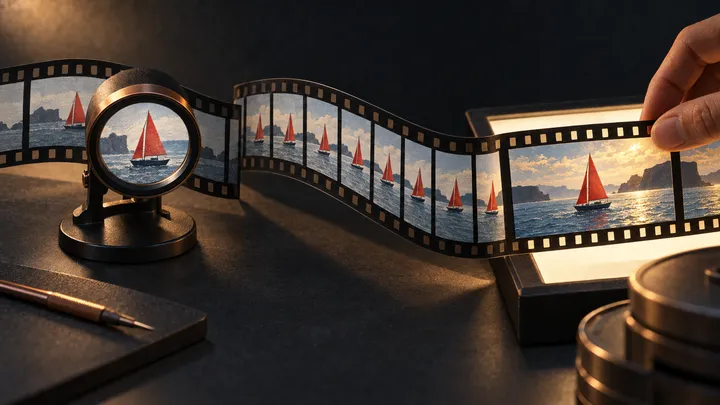
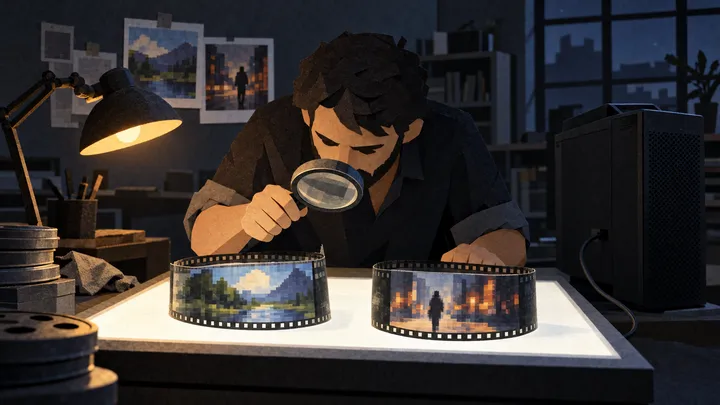
- Practical capture. Shoot the performance in a greybox setup. For the cliff scene the team used large diffusion sources and relatively flat lighting. The tutorial says a plain wall or other controlled space could substitute. The aim, in its words, is to establish "the performance, blocking, composition, and camera movement" so AI does not invent them later.
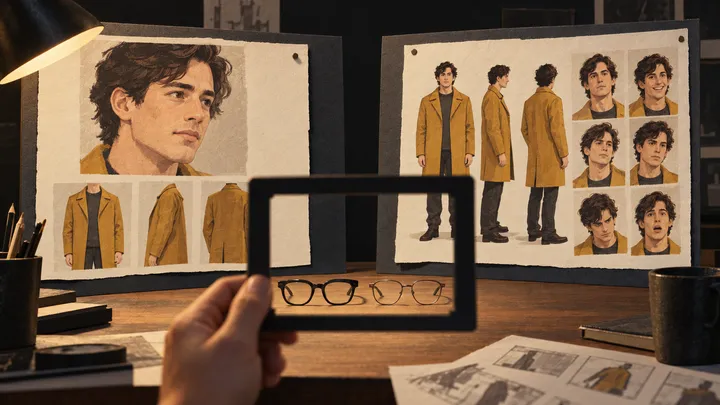
- Starting frame. Export the first frame and restyle it in an image model. The team used GPT Image 2.5 with a Midjourney image as a style, lighting and grade reference. In one scene it also used Seedream. This step is also where new wardrobe and props are introduced.
- Optional depth map. Convert the source clip to a greyscale depth video in Fal. The tutorial calls this "completely optional".
- Generation. In Seedance 2.5, use the restyled image as the starting frame and drive motion with either the live-action footage or the depth map.
What the tests reportedly showed
| Scene | Changes requested | Reported outcome |
|---|---|---|
| Actor running toward a cliff (Ireland) | Environment | Both motion references "worked surprisingly well". The footage-driven version had "small issues around the actor's feet". The depth-map version "seemed to handle the overall motion a little better in this example." |
| Two-actor conversation | Environment, with starting frames from GPT Image 2.5 and Seedream | Both worked. The Seedream frame "pushed the lighting much further" and gave what the team called a more cinematic result. |
| Actor picks up a screwdriver | Environment, screwdriver swapped for a scroll, wardrobe reference | The prop swap, environment change and wardrobe transfer carried through. Seedance dropped the hat from the wardrobe reference. |
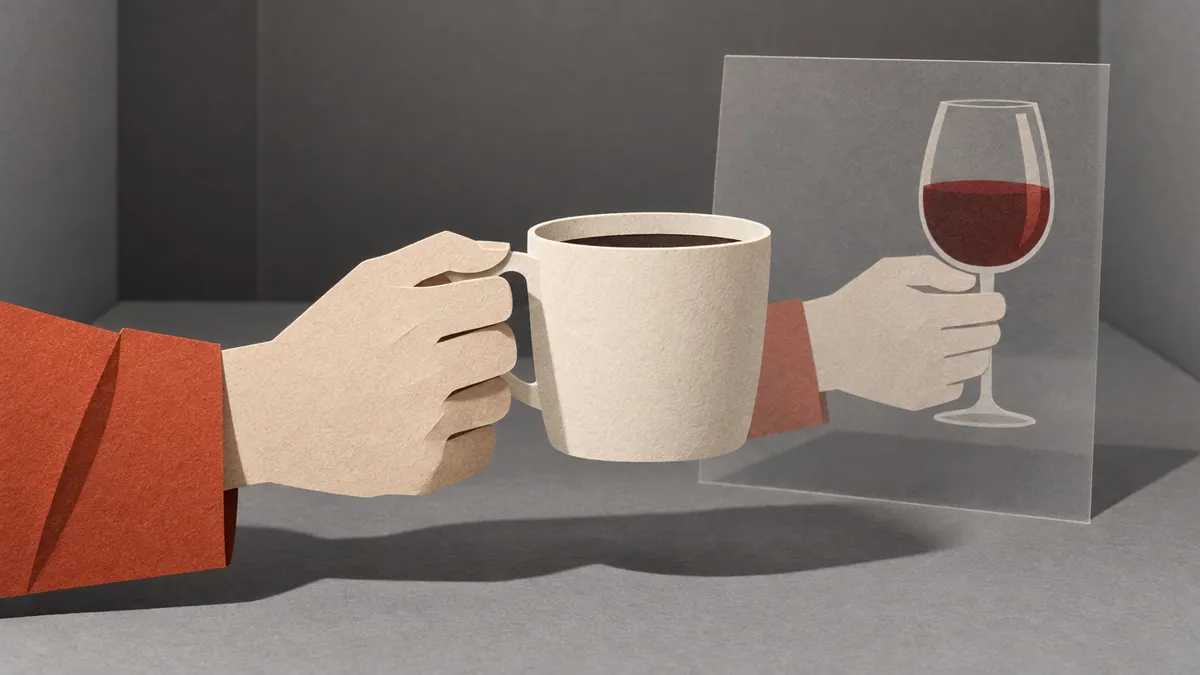
| Actor lifts a cup, looks forward, turns | Environment changed to a bar, coffee cup swapped for a wine glass | In one generation the coffee cup returned. In another the wine glass held. The team saw subtle differences in movement between generations. |
The cliff shot is the only one where the write-up gives an explicit footage-versus-depth-map verdict, and there the advantage was modest. The source is also internally inconsistent on two other shots. For the screwdriver shot, the text says the original footage drove the motion, while the accompanying video caption says a depth map was used. For the conversation scene, the text says both starting frames used the same live-action footage as the motion reference, yet the captions label one clip as footage-driven and another as depth-map-driven. Which reference produced each of those results is unconfirmed.
The team concludes that "this still isn't exact motion transfer." It also notes that source lighting can carry into the AI result, and recommends roughly lighting the plate for the intended environment.
What it means for production planning
Analysis: For heads of production weighing this kind of AI video production pipeline, the tutorial's own findings point to a few practical considerations. These are this publication's suggestions, not results the team tested:
- Budget for re-rolls. Prop and gesture consistency varied between generations, so generation passes and review time should be planned rather than assumed away.
- Check multi-element edits closely. The scroll shot changed several elements at once and lost an accessory, though the team said it handled the shot "pretty well" given the number of changes. A single shot does not show whether drift grows as edits stack up.
- Light the plate for the target world. On the team's account, the source lighting can carry into the result. That raises the possibility that flat greybox lighting could also show through, though the tutorial does not test this directly.
- Treat the depth pass as optional. The write-up's only explicit verdict on its benefit rests on a single shot.
- Invest in the starting frame. The source credits the starting image with a strong influence on the final look, but inconsistent motion-reference captions mean this is not a controlled comparison of the image models.
What the source does not establish
The tutorial does not report the following:
- Seedance 2.5 pricing, access or availability.
- Output resolution or clip length.
- How many generations each result took.
- The exact settings used to feed reference video into the model.
- Any rights or licensing terms for the generated material.
Its claim that the workflow offers "a lot more control" than prompting from scratch is presented as a conclusion. The post does not show a side-by-side test against a prompt-only baseline. The post closes with a pitch for Curious Refuge's free AI storytelling course.
Frequently asked questions
How does Curious Refuge's greybox hybrid AI filmmaking workflow with Seedance 2.5 work?
According to a Curious Refuge tutorial, actors are first filmed in a plain grey box to lock in performance, blocking, composition and camera movement. The first frame is then restyled with an AI image model. The team used GPT Image 2.5 with a Midjourney style reference, and Seedream in one scene. New wardrobe and props are added at this stage. An optional greyscale depth video can be made in Fal. Seedance 2.5 then generates the shot, using the restyled frame as the starting image and either the live-action footage or the depth map as the motion reference.
Did props, wardrobe and motion stay consistent in Curious Refuge's Seedance 2.5 tests?
Not reliably, by the team's own account. In one generation, a coffee cup that had been swapped for a wine glass reappeared. Seedance 2.5 also dropped a hat from a wardrobe reference, and the actor's movement varied between generations. The team concluded that "this still isn't exact motion transfer." These are Curious Refuge's own tutorial observations. They come with no settings, generation counts or success rates, and the sources reviewed showed no independent validation.
Is a depth map better than original footage as the motion reference in Seedance 2.5?
The tutorial does not establish this. It gives only one explicit footage-versus-depth-map verdict, on a shot of an actor running toward a cliff. There, the depth-map version "seemed to handle the overall motion a little better," while the footage-driven version had small issues around the actor's feet. For two other shots, the post's text and its video captions disagree about which reference was used. Curious Refuge describes the depth pass as "completely optional."
AI-assisted, reviewed by Codex (one-time review authorized by JJ Rooney) on 7 October 2026.